Late marks, overtime and weekend rules on autopilot
Nobody starts a company to argue about whether 9:42 counts as late. Yet in companies without a system, every edge case becomes a negotiation — and the most persistent negotiators win, which is exactly backwards.
Rules you set once
Teamdott's Rates & rules tab holds the policy, in plain inputs:
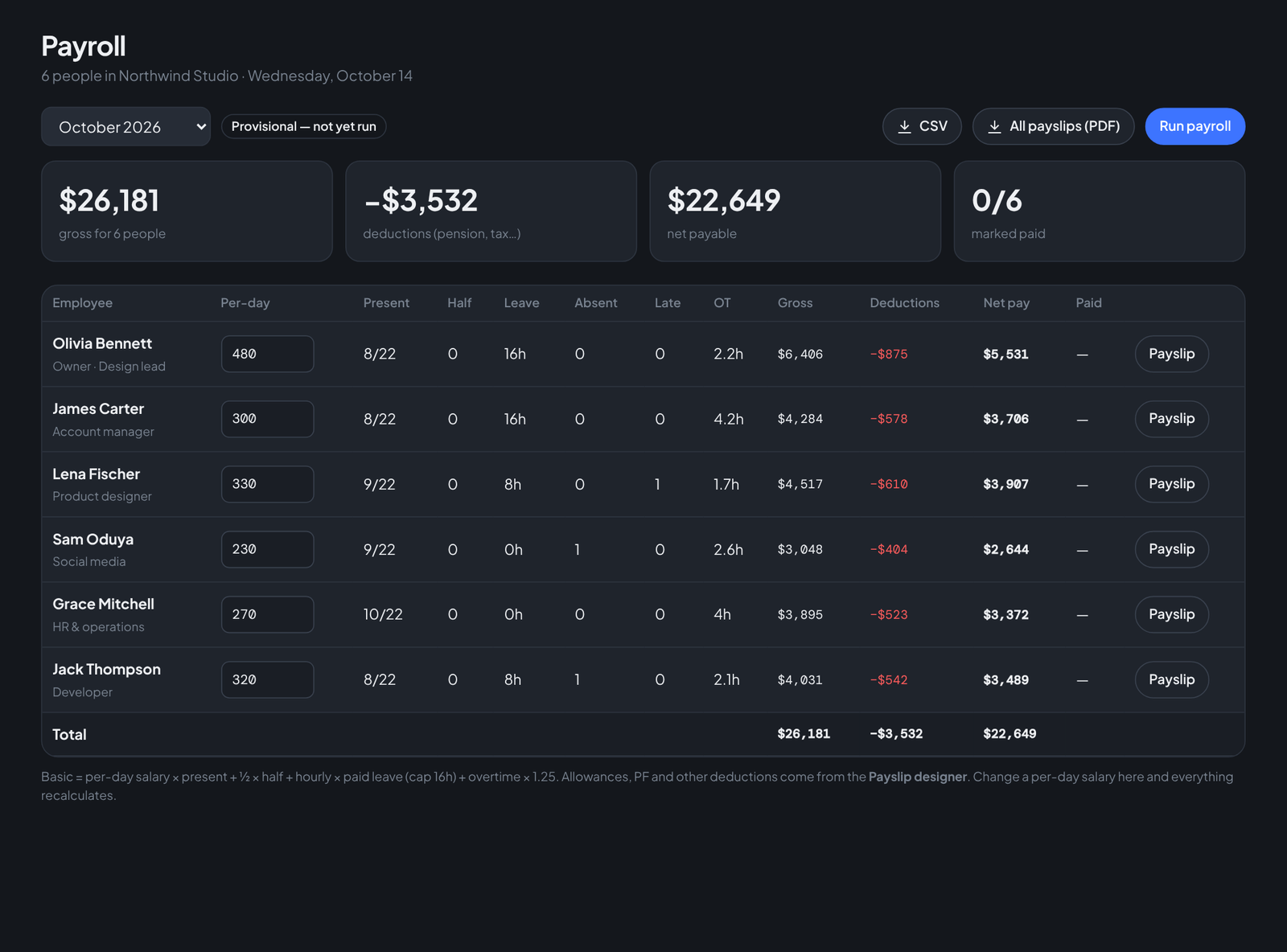
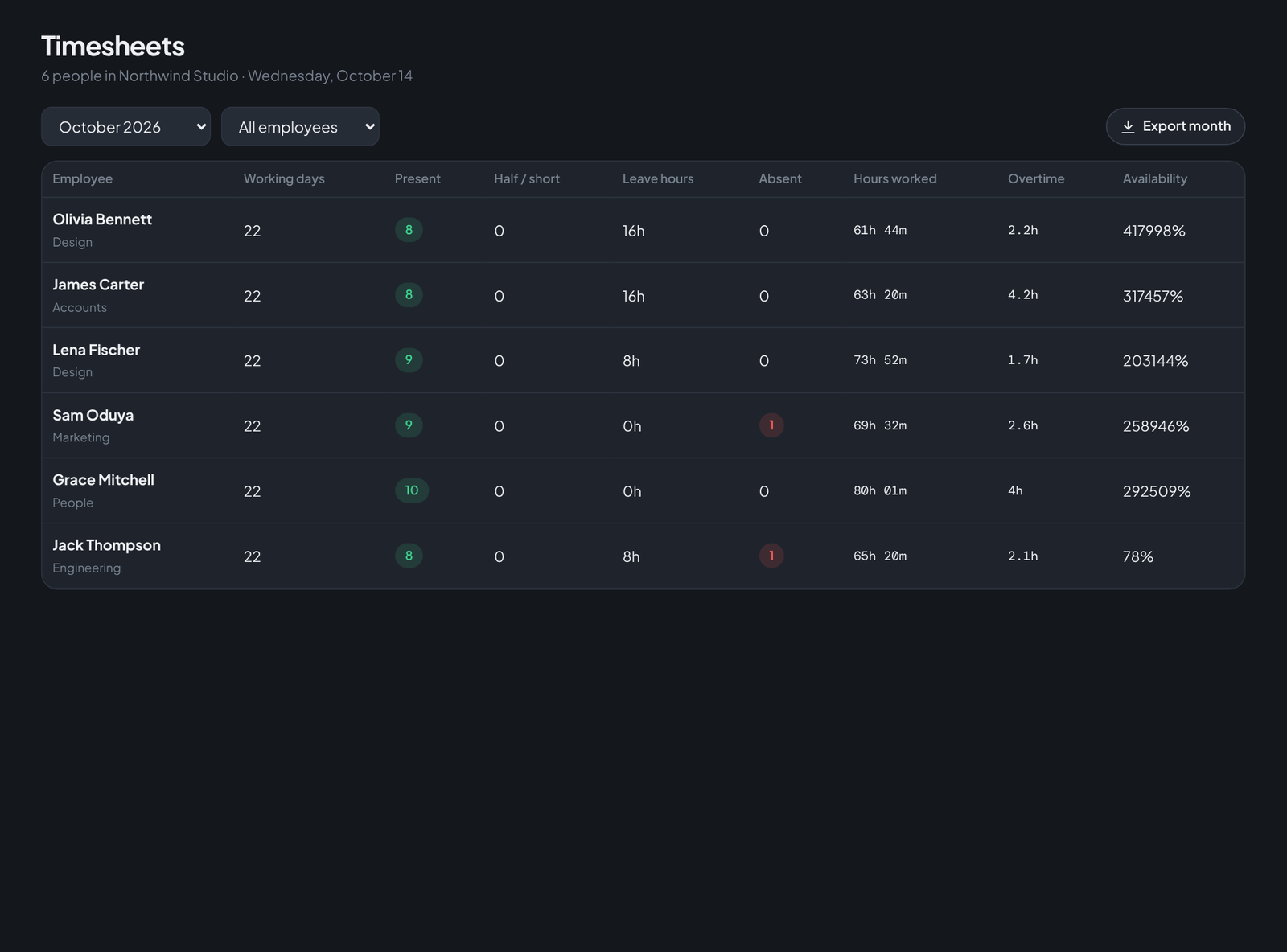
- Late after — a clock time (say 9:30). Arrivals after it get an automatic, visible late pill on the Today screen and a count in payroll.
- Full day / half day thresholds — e.g. under 4 hours worked is a half day.
- Overtime — hours past the daily target count at your multiplier (1.25×, 1.5×, whatever you pay).
- Weekly off days — Sundays, or Friday–Saturday, or any pattern your market uses.
- Your own holiday calendar — added by name and date, greyed out in every timesheet automatically.
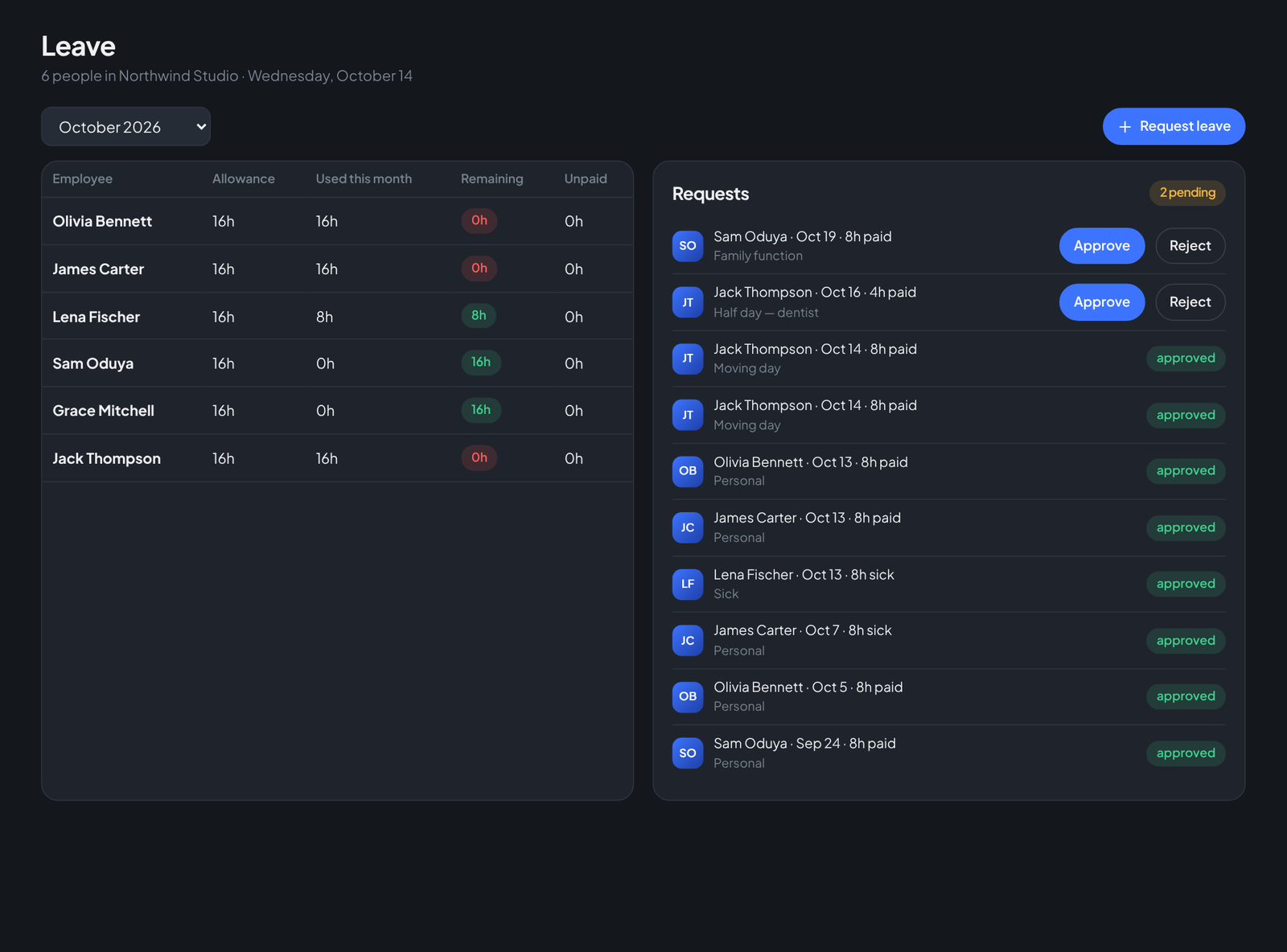
- Paid-leave allowance — monthly hours that leave approvals draw down.
Why automation is the fair option
A rule applied by software applies to everyone identically — the owner's favourite and the quiet new hire alike. The late flag on Lena's 9:46 is the same flag anyone else would get; the overtime multiplier that pays Jack for a crunch week pays the next person too. Consistency is what employees actually mean when they say "fair".
Run your team on Teamdott
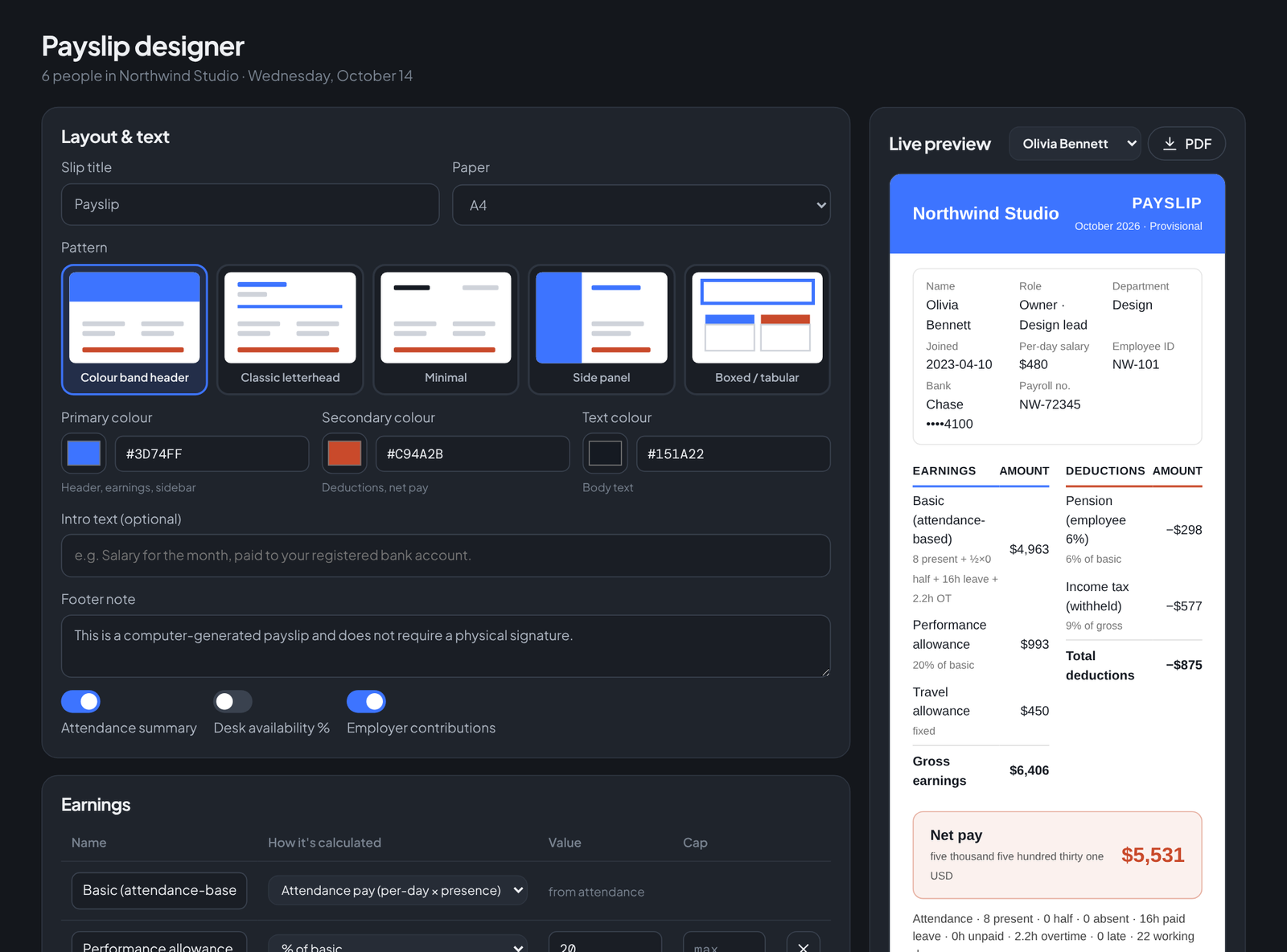
Clock in/out, live availability, timesheets, leave, payroll and branded payslips — plus one thread per client. The workspace preview is open: no card, no setup call.