Managing attendance for remote and hybrid teams
In an office, attendance manages itself — you can see who is there. Remote work removed the seeing. What replaced it in most companies is a fog of Slack statuses, "quick calls", and managers privately wondering whether anyone starts before ten.
Structure beats suspicion
The fix is not surveillance software; it is giving the day a shape again. A remote attendance system needs three things:
- A clock that lives in the browser. Nothing to install, works the same from a flat in Manchester or a kitchen table in Austin. Employees clock in from their own login when they start.
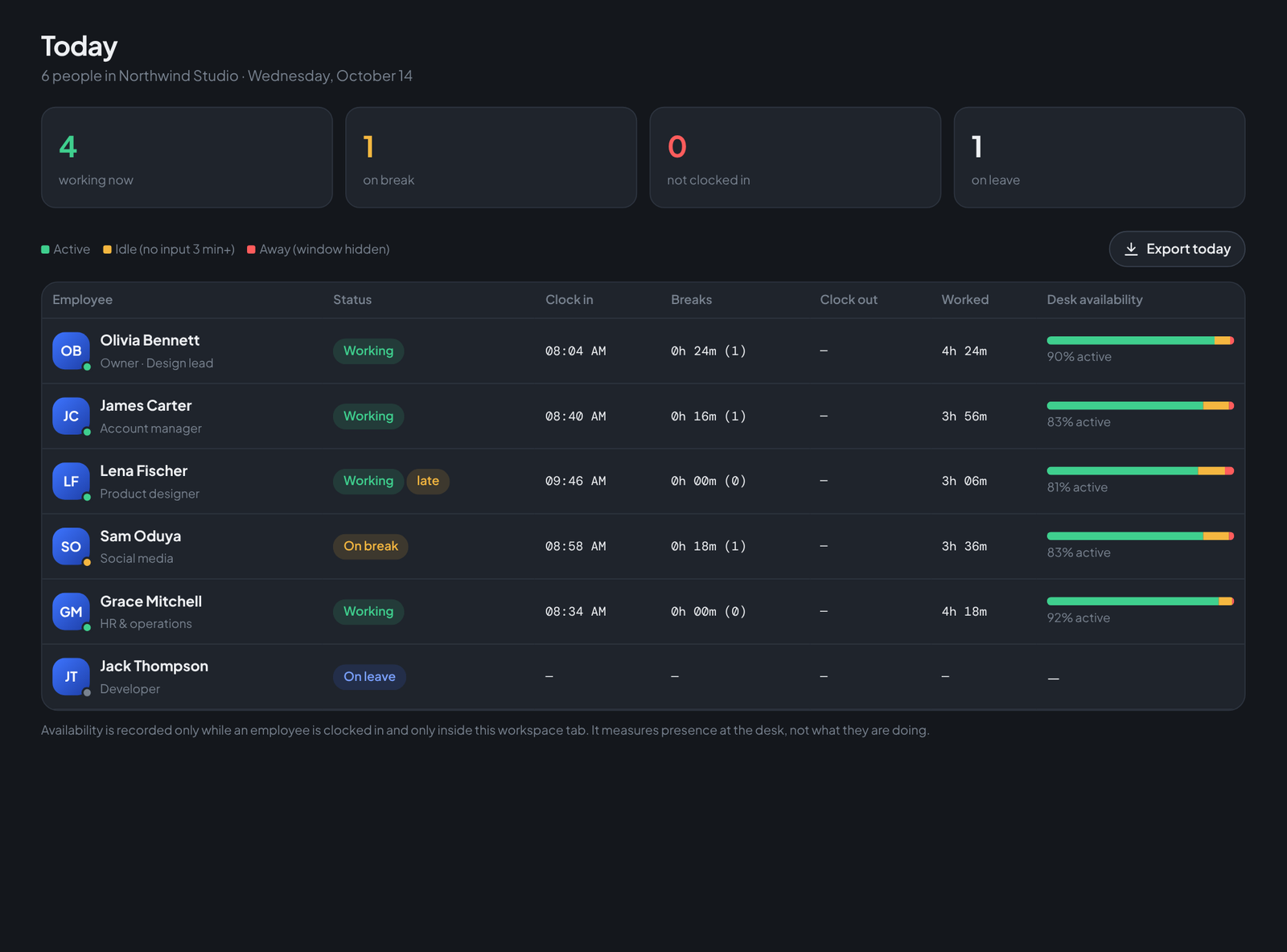
- A live team view. One screen that shows working / on break / on leave / not in yet, so a manager never has to DM "you around?" again.
- Timezone sanity. Each workspace keeps one company timezone for rules like "late after 9:30", while timestamps render in each viewer's local time.
What changes for the employee
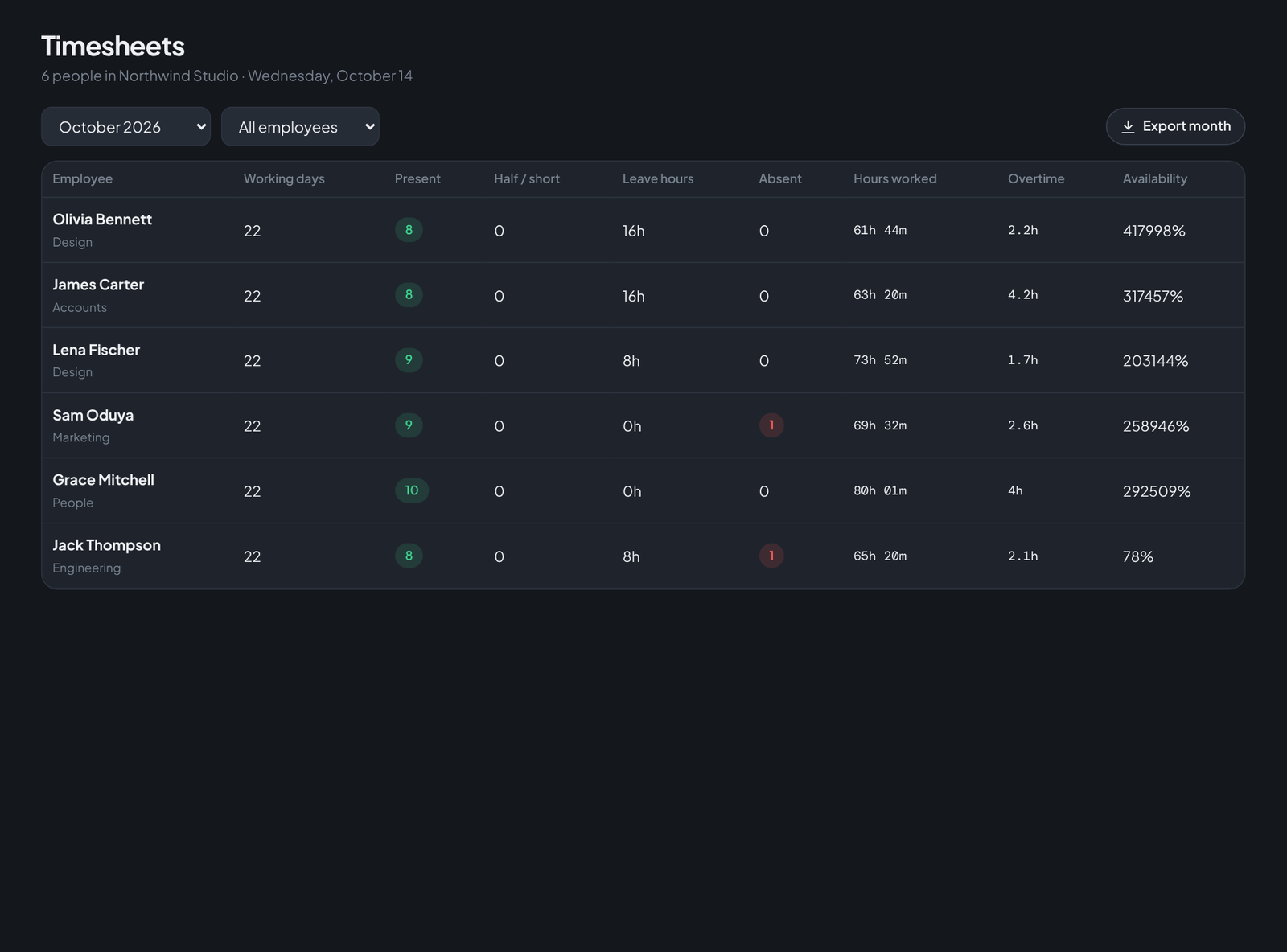
Surprisingly little — which is the point. They open their portal, press Clock in, and get on with the day. The clock card shows their own hours, their own break total, their own activity bar. At month end they can check their timesheet and download their own payslip without emailing anyone.
What changes for the manager
The anxious half of remote management disappears. Late is flagged by a rule, not by a feeling. Overtime is counted by the clock, not by who complains loudest. And when someone consistently shows 95% availability, you have a fact to point at in their review — a kinder one than any screenshot tool produces.
Run your team on Teamdott
Clock in/out, live availability, timesheets, leave, payroll and branded payslips — plus one thread per client. The workspace preview is open: no card, no setup call.