Private by design: how Teamdott treats your company\u2019s data
An ops tool sees everything: who works when, who earns what, what clients say in private. Before trusting one, a company should get straight answers to a few questions. Here are Teamdott's.
Who can see what, inside your company?
Access is explicit. Employees see only themselves. The HR console is a separate login limited to people the Head of HR has granted specific permissions — nine of them, not an all-or-nothing admin flag. Clients see only their own portal: the conversation and files you shared, never internal notes, never your HR data.
Where do meetings travel?
When meetings launch, calls are encrypted end-to-end and media flows directly between participants — it does not route through a third-party video platform, and Teamdott does not record your calls. We built our own meeting stack precisely so your client calls are not another company's analytics.
What about monitoring employees?
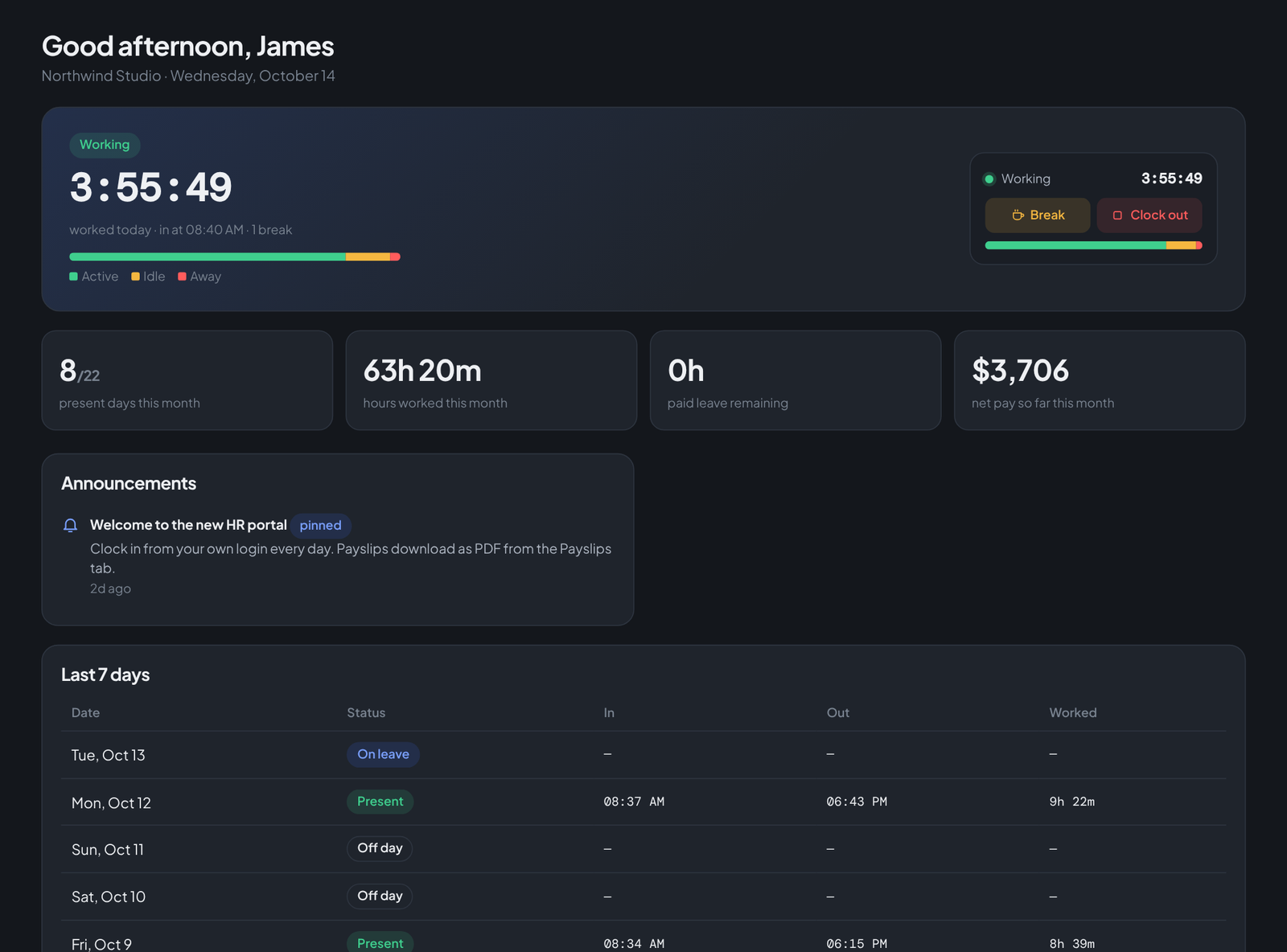
Teamdott records presence — active, idle, away — only while clocked in, and shows every employee their own data. No screenshots, no keylogging, no webcam. The design argument is in this post; the legal note is that visible, disclosed presence tracking is also the version that stays comfortably inside EU/UK and US state disclosure rules.
The boring commitments
- No tracking cookies on this site — which is why there is no cookie banner to click.
- No selling data. The business model is workspace subscriptions, stated plainly on the pricing page.
- Your data is exportable — attendance and payroll leave as CSV, payslips as PDF, any time.
- Delete means delete. Close a workspace and its records go with it.
Run your team on Teamdott
Clock in/out, live availability, timesheets, leave, payroll and branded payslips — plus one thread per client. The workspace preview is open: no card, no setup call.